Saturday, 15 February 2014

Progression of my Zbrush model

1. The Head

After having a little trouble with the symmetry I finally got it sorted and started working on my characters head, starting off by using Zspheres and working from there. I find that the ZSpheres are a really nice starting point to create a model and are so easy to use. As my design was in 2D I had to work out how all the pieces on her head would work and have to be placed to make it look like my concept. This took a lot of moving and placing but I finally got there.

After that I created a adaptive skin and just keep tweaking it to make sure I was getting the right shapes and that each piece was smooth. I then had a little trouble with remembering how to add the eyes but I got there eventually and ended up with a piece I was happy with.


2. Creating the body and adding the head

I found working on the body fairly easy as I have already had a go before which didn't turn out so well but this time I managed to get it right. Once the adaptive skin was turned on I was able to change the size of the waist and bust to make it fit the design I drew up as they were a little thicker than I would have wanted.

Once I was happy with what I had made I added the head I had previously created in as a new sub tool. The sizing was an issue as I found the 'move' and 'scale' tools very difficult to use this time around as they were never consistent and kept doing what I didn't want them to do. I managed to work it out in the end, only to find that the symmetry on the body I had created has gone slightly off so my tutor Mark had to help me sort it out.

After these string of problem were resolved I was able to mask off an area of a body and create the dress. Unfortunately some of the 2d elements didn't come across brilliantly in this part of the 3D sculpting process but I made do and I am still pleased with how it looks.


3. Adding the back piece and finishing off the model
 
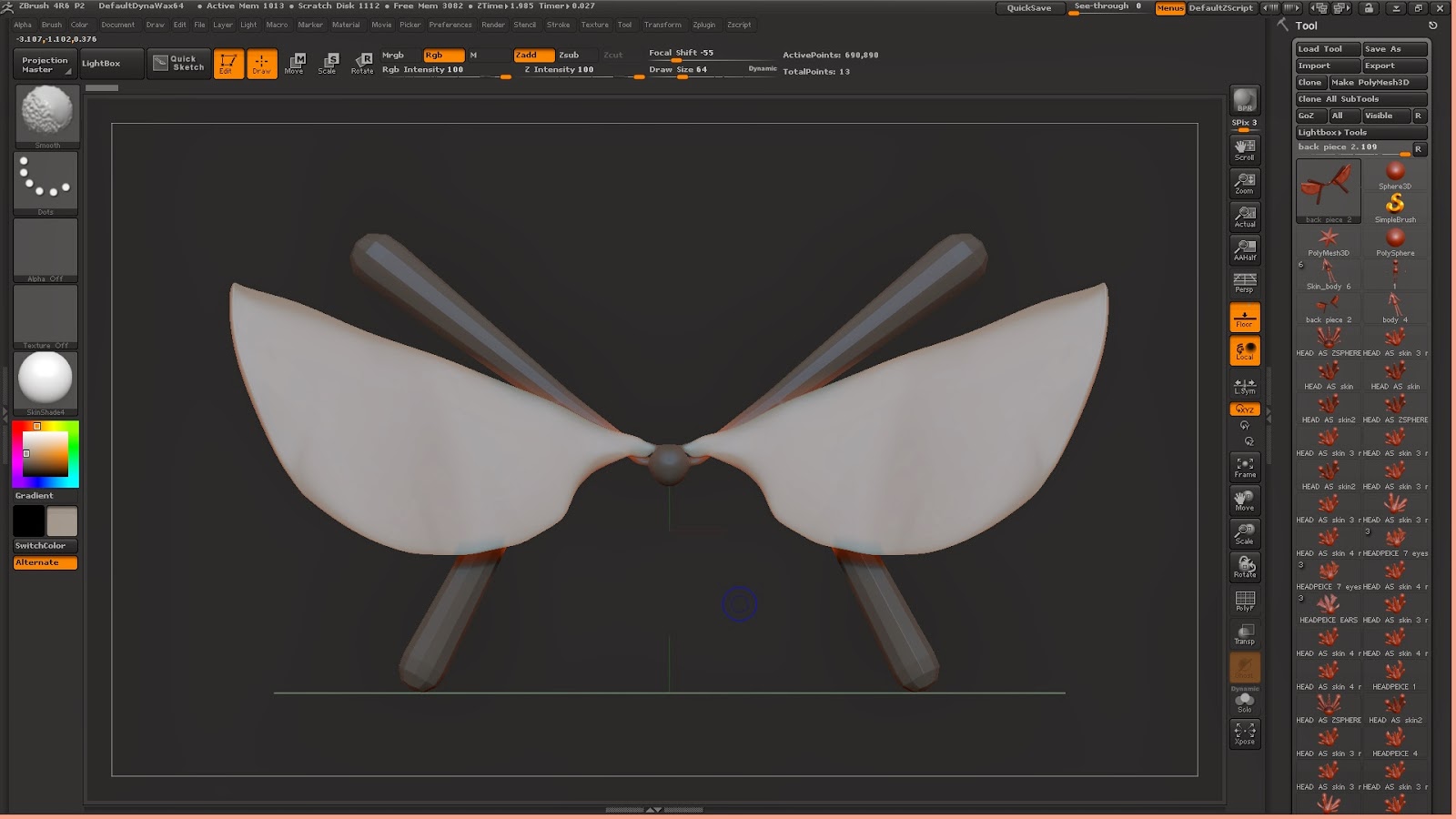
The back piece of the dress was something I was looking forward to creating as this was actually concepting in Zbrush instead of sticking with the design. I needed to make sure it look nice and fitted well at the back so I started off with Zspheres again to get the basic shape and smooth it down.
This worked out nicely and I was then able to add it as a new sub tool and sort out the sizing issue to make sure it wasn't to big. As my character is a ghostly spite I wanted her skin to be smooth without any bumps except from some of the 'wings' which have a outlined pattern on them which I had to add in.
 
After a little tweaking and making sure everything looked right I had completed finished my final design. Overall, for a first model, I am very pleased with it. It has turned out pretty much exactly how I had planned it too.


ZBrush modelling mess up

After I learnt how to create ZSpheres and apply I adaptive skin, I started working on the main body of my nature sprite. This started out really well and I was getting the exact shape I needed and I hoped once is was finished I would be able to start sculpting into this. Unfortunately when the body shape was finished I noticed that the symmetry was no longer central and had gone off to one side. When I first made this error I had no clue what I had done and was incredibly frustrated that I had to redo the whole thing, but looking back on it I think I had pressed the 'perspective distortion' button which had caused it to lose the perfect symmetry. This is something I will have to remember for next time.


Saturday, 8 February 2014

Second ZBrush Practice

Practice at sculpting a face

So before I started making my final sculpture for my project I wanted to get a little bit of practice in so I was used to the software. Instead of going a little crazy like I did on my dragon head, I decided to practice making a female face in my art style. This usually consist of big eyes and a small button nose so I started working on these element first.

As you can see this is far from being finished as I need to work out how to add eyes to the sockets and then add more clay to create hair and eyebrows. I will definitely keep working on this as I am really pleased with how it's turned out so far, even if it does look really creepy at the moment.


Wednesday, 5 February 2014

Zbrush Practices

Zspheres

These are a few random practices I did using Zbrush to get the hang of the Zspheres which I will be using to create the body of my character so I thought it was important to have a little experiment with them.

For the first two I was practicing with creating a seahorse as I thought the structure of it would be nice and easy to start off with. This is a model which I may go back and complete if I find the time. The middle pieces are just me mucking around with different creature designs but 10 - 13 are of a stylised human body I was having a practice with creating. I think it turned out quite nicely for a first try at creating a body in Zbrush and could be a design that I carry on in my free time.


Tuesday, 4 February 2014

Design Ideas

Colour Variations
 
After completing my values studies and choosing my favourite I decided to wanted to do some really quick colour variations to help me get a feel for the piece and see everything in detail. When I showed my design in our latest group crit there was a little confusion and people thought the 'wings' at the back were too low down. Just to clarify they are actually a decoration on the back of the dress as the sprite has the ability to fly without the need of wings.  I was shortly told after this that colouring your model was not mandatory but I may watch some tutorials and give it a go anyway to see how it turns out.


Monday, 3 February 2014

Concepting Process

Value Studies

After completing my silhouettes and image research I started working on my value studies. I always find these the trickiest part of the design process as I love working in colour and with neat line art so I always struggle to get these done quickly. Although this time I am really pleased with how they turned out and I believe they are a huge improvement on the ones I did for the last project.

I used my image research to help with the detailing of the wings and come up with possible dress designs to stick as closely to my nature them as I could. My favourite value study is the bottom one and I am planning to use this as my final design as it looks subtle and soft in design.